Movement with no way out.
A looping banner, marquee or decorative animation may keep moving without a pause path your CSS exposes.
Paste a client URL. See which CSS loops visitors can’t pause and which animations ignore their reduced-motion setting, each with the selector and a copy-paste fix. Then keep a dated record for the handoff.
No signup · No automatic changes to your site
Scroll once to start.
Move over the ribbon to pause.
MotionSpec is a motion accessibility checker for web agencies. It scans a live page’s CSS for loops with no pause path (WCAG 2.2.2, Level A) and for motion outside a prefers-reduced-motion guard, and gives a copy-paste fix for each finding. It reads static CSS; runtime JavaScript motion is out of scope.
From our 196-site study of AI-generated production apps (measured July 2026, re-measured with the September 2026 method). Method and open dataset.
Visual QA can miss motion that continues when a visitor asks for less. The question is simple: what should your team review before the next release?
A looping banner, marquee or decorative animation may keep moving without a pause path your CSS exposes.
Animations and transitions can remain active when a visitor has enabled reduced motion on their device.
A dated record of the URL, findings and scan limits gives the next developer something concrete to work with.
Websites move. Visitors should get a say.
Scroll into this demo, then give the moving names a moment of quiet.
Examples from the web-building ecosystem. No affiliation implied.
ChatGPT · Claude · Gemini · Cursor · Lovable · Bolt · v0 · Replit · Framer · Webflow
Put visitors in control of CSS loops. Then check the motion your team ships.
Compare motion on / off to sample responsiveness on this device.
Try a short comparison on your device. We measure frame timing with the loop moving, then paused. This lightweight loop may already run smoothly.
4 seconds moving · 4 seconds paused · Runs locally
95th-percentile frame interval · Lower is better
No scores invented. Run the comparison to see your result.
Frame intervals are sampled with requestAnimationFrame for four seconds in each state. The 95th percentile describes the slower end of those intervals. Background activity, refresh rate and device conditions affect the result; one short run does not establish cause and effect.
This comparison is not a load-speed, CPU, LCP, INP or CLS measurement. A pause does not undo page loading. The comparison adds no simulated workload and promises no improvement.
Motion has not started yet. Scroll to wake it, then pause it with the otter.
Read from your browser’s own timing data for this page view. Loading has already happened, so a pause does not change these values.
| Value | Motion running | Paused |
|---|---|---|
| Animated layers active | — | 0 |
| Frames drawn for motion per second | — | 0 |
| Main-thread motion work per second | — | 0 ms |
| Share of each frame budget | — | 0.0 % |
| Motion work per minute on the page | — | 0 ms |
Counted in your browser: the animations currently running on this page and your screen’s refresh rate. Assumed: main-thread cost per animated layer and frame of 0.05 ms for transform or opacity, 0.4 ms for properties that repaint and 1.2 ms for properties that change layout. The result is an estimate for this page, not a measurement of CPU, battery, Core Web Vitals or rankings.
This is a model of this page. For a client site, the free check lists the CSS motion behind this kind of ongoing work, and the Motion Report documents it with a date. Neither one measures load speed.
Good page experience matters. A pause button is one part of it—not a Google ranking promise. Google’s guidance on page experience
A free check surfaces the candidates. Your team reviews the fixes. The report records what was checked and when.
Managing client websites? Your margins shouldn't shrink with every update. MotionSpec flags CSS motion risks and helps your team focus its review. See the finding in context, with dated reports to guide your team's review. At $150 an hour, two specialist hours cost $300. (On screen: an example of review cost — illustrative, not promised savings.) MotionSpec Agency: $249 a month. Weekly motion checks and dated reports for up to 10 domains. End card: Trust your motions.
No signup · No automatic changes to your site
Start with one client URL. MotionSpec reads the CSS it can access.
See the selectors, root causes and suggested fixes. Confirm the behavior in the browser.
Apply and test your changes, re-check the page and use a report for your handoff.
The useful part is the detail: where the candidate appears, why it was flagged and what to review next.
$29 once for one URL · 14-day refund policy · Read the terms
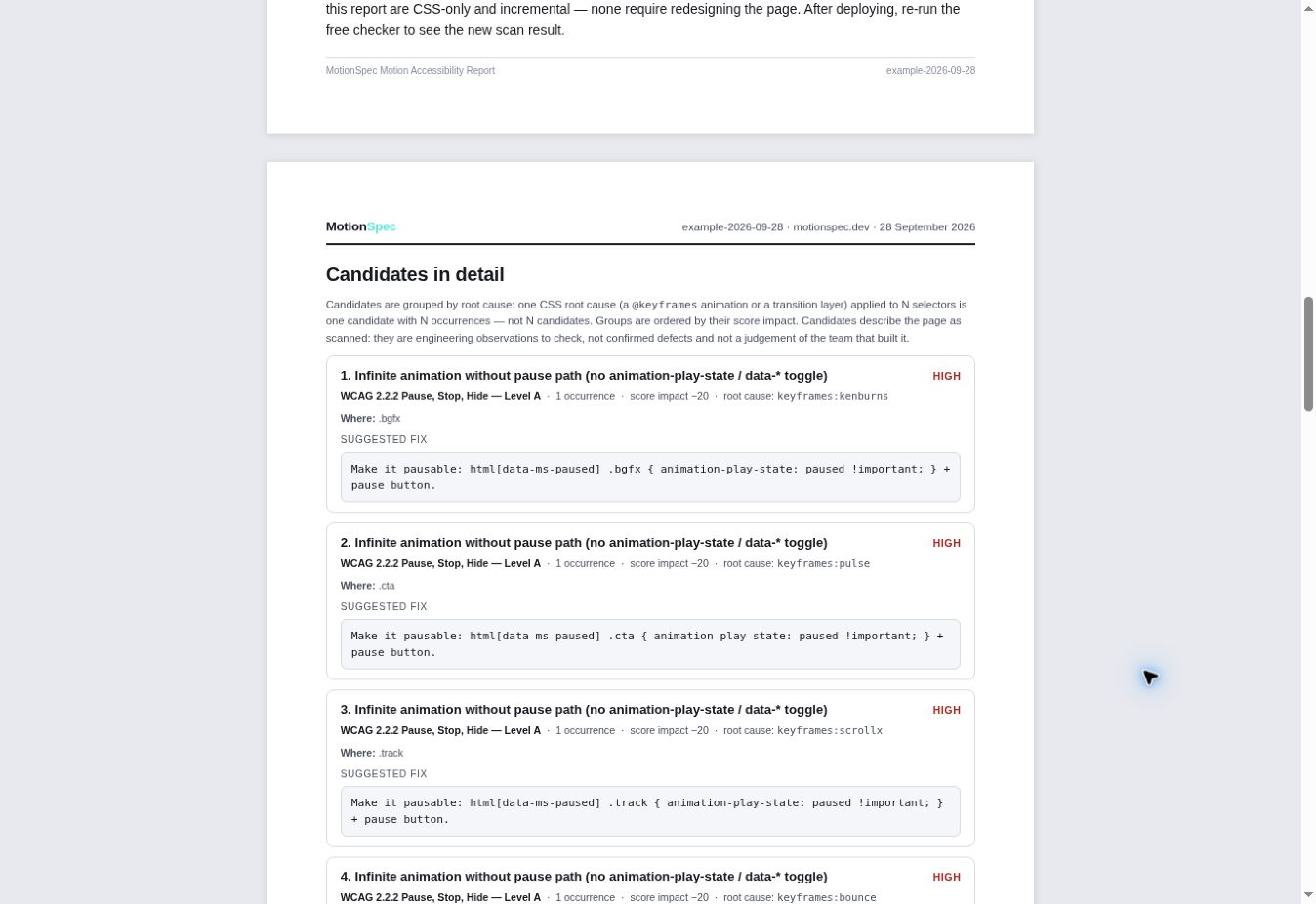
Give ten selected client domains a repeatable motion-checking workflow, with weekly homepage re-checks and dated reports.
Managing 50+ sites? Start with ten selected domains. The standard plan does not cover your full portfolio automatically.
MotionSpec reads a page’s linked CSS and inline style blocks. It flags CSS motion candidates such as infinite loops without a visible pause path and missing reduced-motion guards. It identifies candidates for review; your team checks them in context.
The free check shows candidates and suggested fixes. Motion Guard for WordPress can add a reduced-motion guard and an optional CSS pause/resume control when installed and enabled. Your team still tests the site. Runtime JavaScript motion needs separate handling.
No. The scan covers specific CSS motion criteria and best practices mapped to WCAG 2.2.2 and 2.3.3. It is not a full accessibility audit and not a compliance verdict. It does not assess all accessibility requirements, certify compliance, or audit runtime JavaScript and GSAP motion. Flashing content is outside the scan.
The Agency plan is $249 per month for up to ten domain slots, with weekly homepage re-checks, dated reports and keyed developer tools. This is homepage coverage for the selected domains, not a crawl of every page on every client site.
You can start with ten selected client domains, for example sites under an active care plan. The standard Agency plan includes ten slots. Larger portfolio coverage needs separate terms; do not assume the standard plan covers all 50 sites.
Yes. The free motion check requires no signup. A Motion Report for one URL is $29 once. You can choose the Agency plan when you need a recurring workflow across selected client domains.
A pause can stop ongoing animation work, but the effect on responsiveness depends on the animation and device. Our demo compares local frame intervals; it does not measure loading speed or Core Web Vitals. Google uses multiple ranking signals. A pause button alone is no guarantee of higher rankings.
The MotionSpec MIT core checks and compiles UI animation in AI-generated web apps. It includes 40 reviewed motion primitives and 302 automated tests, with CLI and MCP tools for Node.js. A reduced-motion fallback and a performance budget are on by default, with documented configuration options and limitations. Hosted keyed tools for one developer domain: Dev Key, $39/month. Explore the developer tools or inspect the source.
Start with one client URL. See what the CSS reveals, then choose the level of evidence and follow-up you need.
No signup for the free check. No automatic changes to your site.
Here is how you used motion control on this site. These are your interactions in this browser tab.
Times you chose Pause.
Mouse, keyboard or touch.
Your first pause will appear here.
Stored only in this browser tab for this visit. Hover and tap pauses are separate from button presses. Automatic pauses do not count.